 BeatPoket
CORE FEATURE
One-Tap Stem Separation
Split a supported local track into vocals, drums, bass, and other stems with on-device AI
See it in actionNEW: BeatPoket 2.0, rebuilt and several times faster
Music in your control. Stems in your pocket.
Coming soon for Android
THE FUTURE OF MUSIC PRODUCTION
Separate, mix, and export stems entirely on your device — no upload, no waiting on a server
Split a supported local track into vocals, drums, bass, and other stems with on-device AI
See it in actionTempo analysis for beat matching and synchronisation, included on the free plan
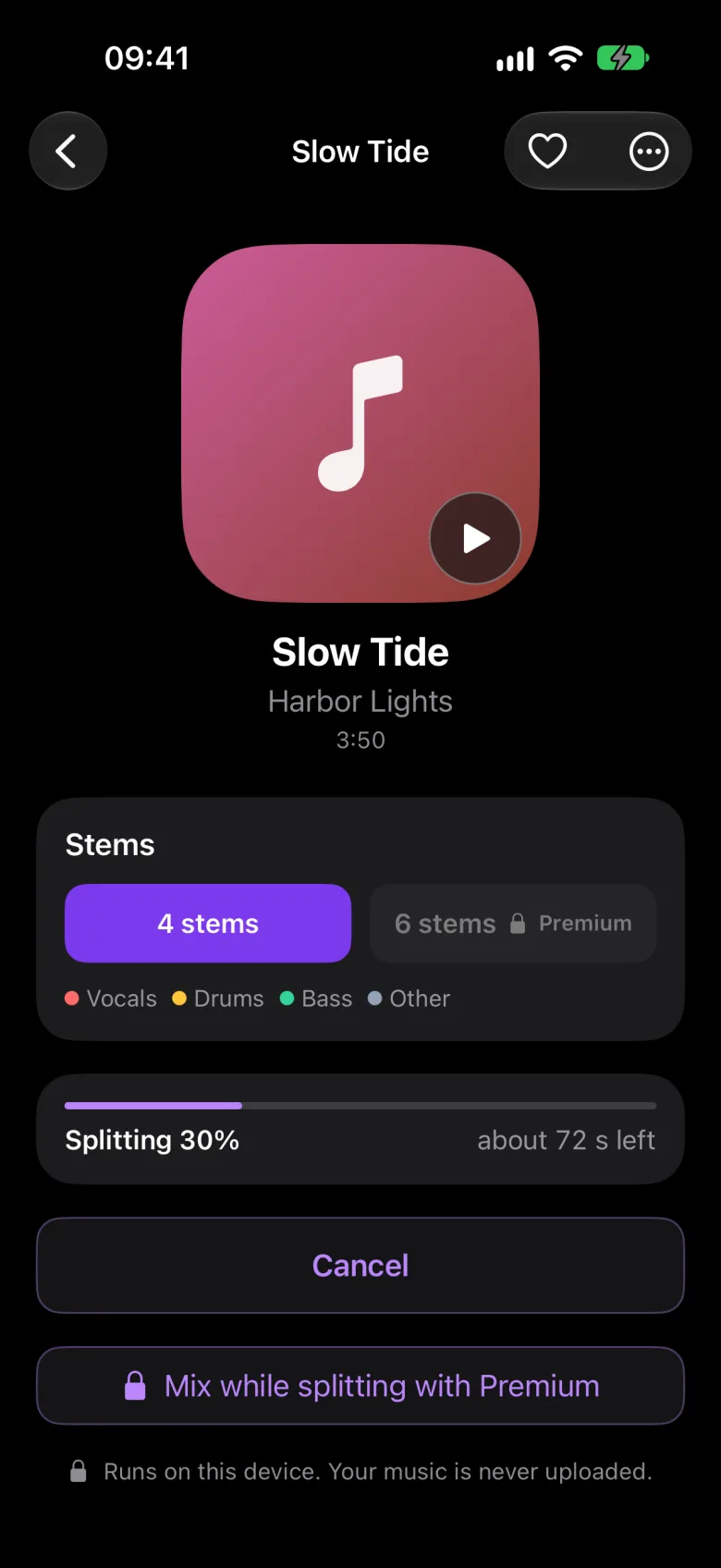
See it in actionHear the stems and start mixing while the track is still being split, instead of waiting for the end. Premium feature.
Separation runs entirely on your device, on iPhone and on iPad. Processing time varies with track length and device.
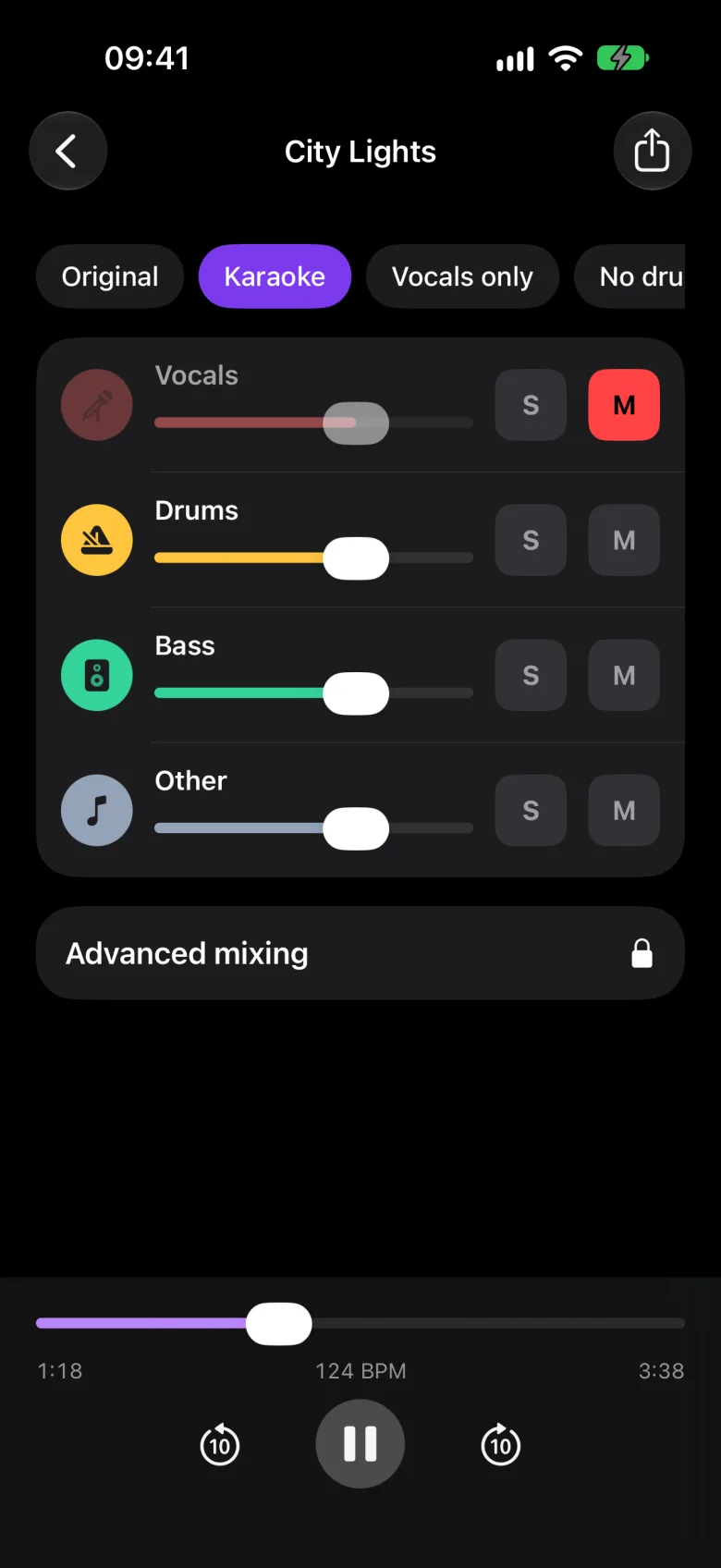
Set the level of each stem, mute it or play it alone. One tap for karaoke, vocals only, no drums or no bass.
Separation, mixing, and export run on your device and work with no connection. Purchases, and any usage data or crash reports you agree to share, use the network; your audio never does.
The free plan separates vocals, drums, bass, and other. Premium adds a 6-stem model with separate guitar and piano.
Premium queues up to 50 tracks back to back. On iOS 26 and later, splitting carries on when you leave the app, and a notification tells you when your stems are ready.
Your music files never leave your device. No cloud uploads. Complete privacy for your creative work.
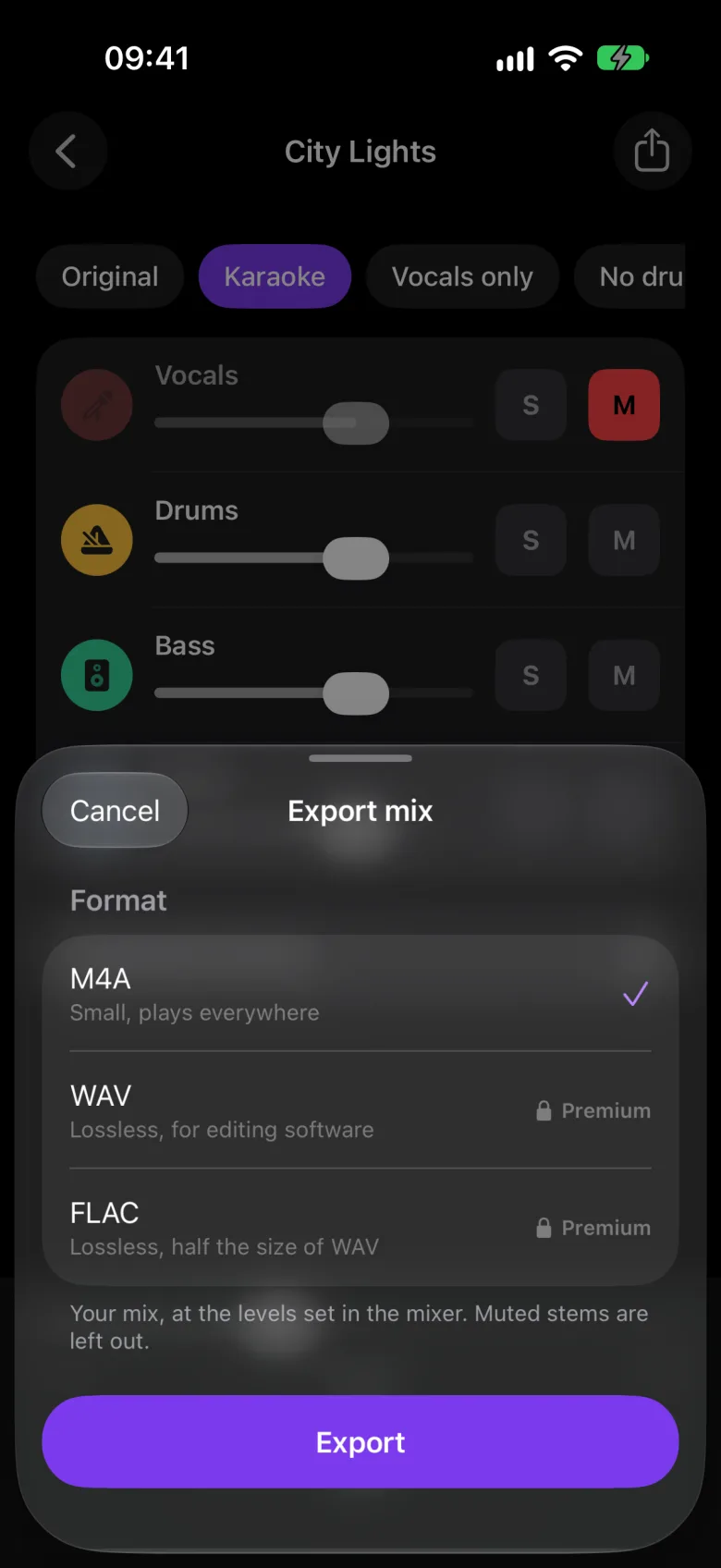
Save your mix as an audio file and share it with any app. M4A on the free plan; lossless WAV and FLAC with Premium.
Play a track from its page as soon as it is imported, before you decide to split it.
Slow a stem down or speed it up, with the pitch locked or free. Premium feature.
Favorites, playlists, and your tracks by artist, album or genre. Your mix is remembered for each track.
Send an audio file from Files or another app straight to BeatPoket.
| BeatPoket | Others | |
|---|---|---|
| Stem processing | Offline | Cloud servers |
| Music files uploaded | Never | Every track |
| Lossless Export | WAV & FLAC (Premium) | Varies |
| Advertising tracking | None | Varies |
Turn a track you own into isolated stems with one tap. Everything runs on your device, so nothing is uploaded and processing time depends on the track and your device.
Remove vocals for karaoke or isolate them for remixes
Practice along with isolated drum tracks
Learn songs by isolating guitar parts
Sample and remix with separated stems
Separation works with no internet connection. The free plan includes up to 3 separations a day, and Premium removes the limit.
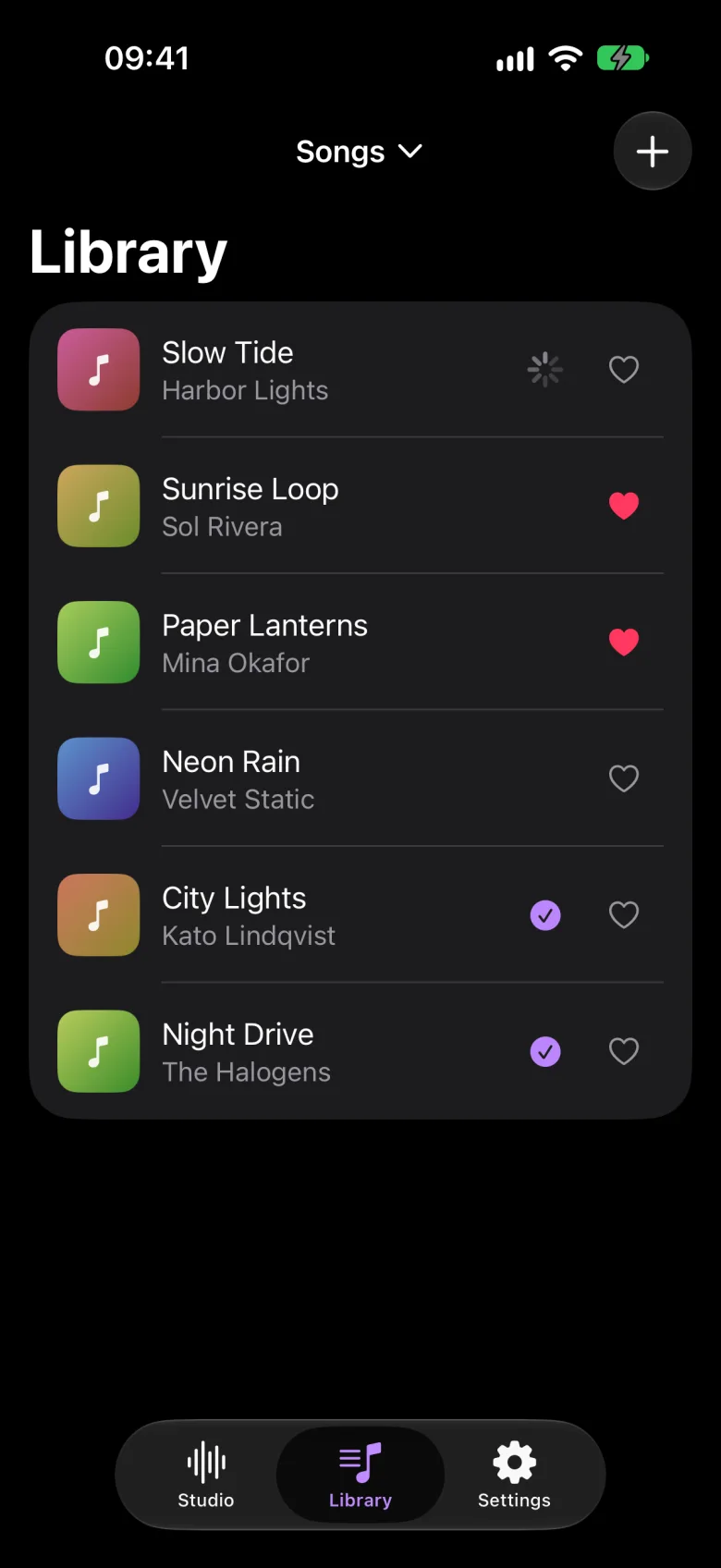
BeatPoket uses AI models that run directly on your device. The app doesn't need an internet connection to separate stems, so your music stays private. Processing time varies with track length and device.
You can import MP3, WAV, M4A, FLAC, and other common formats stored on your device. Files must be unprotected: Apple Music subscription tracks and cloud-only items cannot be processed. Your mix exports as M4A on the free plan, or as lossless WAV or FLAC with Premium.
BeatPoket 2.0 runs on iPhone and iPad, with iOS 17 or iPadOS 17 or later. Everything is processed on the device itself, so a recent device splits a track faster.
On iOS 26 and later, yes: splitting carries on when you leave BeatPoket, and a notification tells you when your stems are ready. On earlier versions of iOS, the system gives an app that has been left only a short time to finish, so keep BeatPoket open until it is done.
Yes! You can cancel your subscription at any time through your App Store account settings. You'll continue to have access until the end of your current billing period.
The free plan includes up to 3 separations a day, capped at 10 a month. Premium removes both limits, so the only constraint is your device's storage.